HOW TO BOOK A TAN
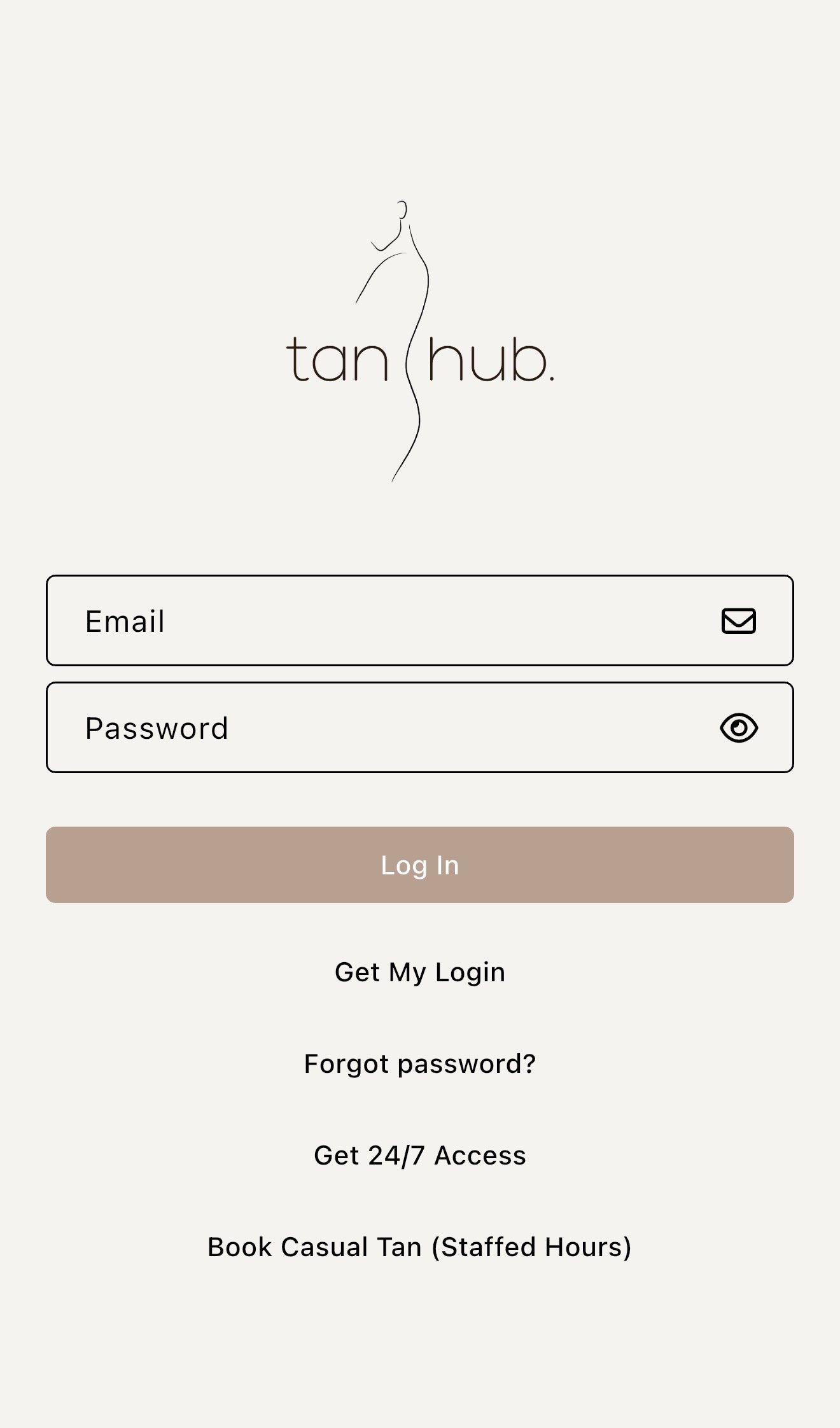
Download the ‘Tan Hub’ App
1


2
Select 'Get 24/7 Access’
Choose your membership option
CASUAL 24/7 TAN APPOINTMENTS (Pay Per Tan)
or
UNLIMITED TANNING MEMBERSHIP (Weekly Tans)
3

Select ‘Book a Tan’ & confirm your booking
4
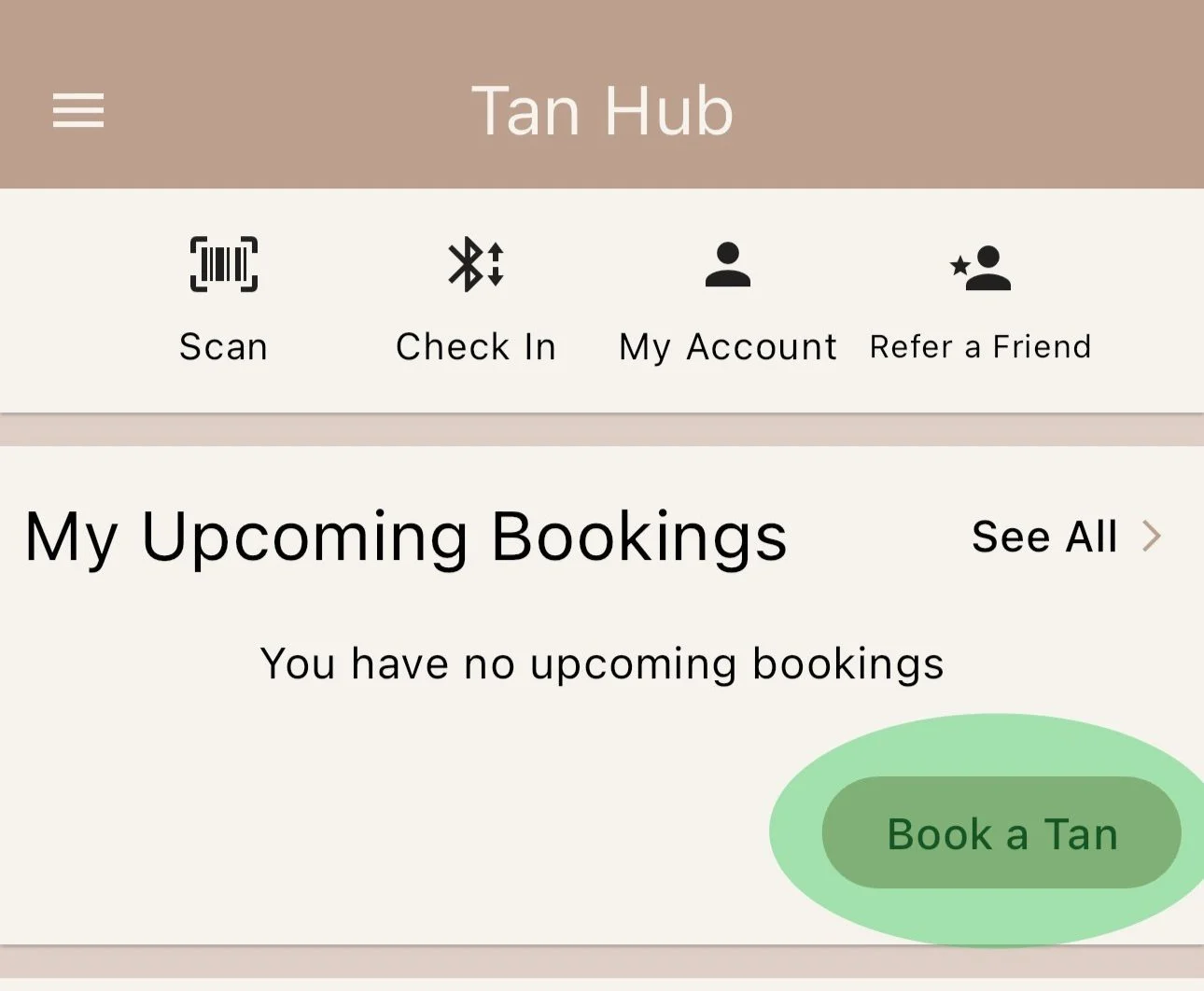
Press ‘Check in’ button on your app to unlock the studio at your booking time.
5